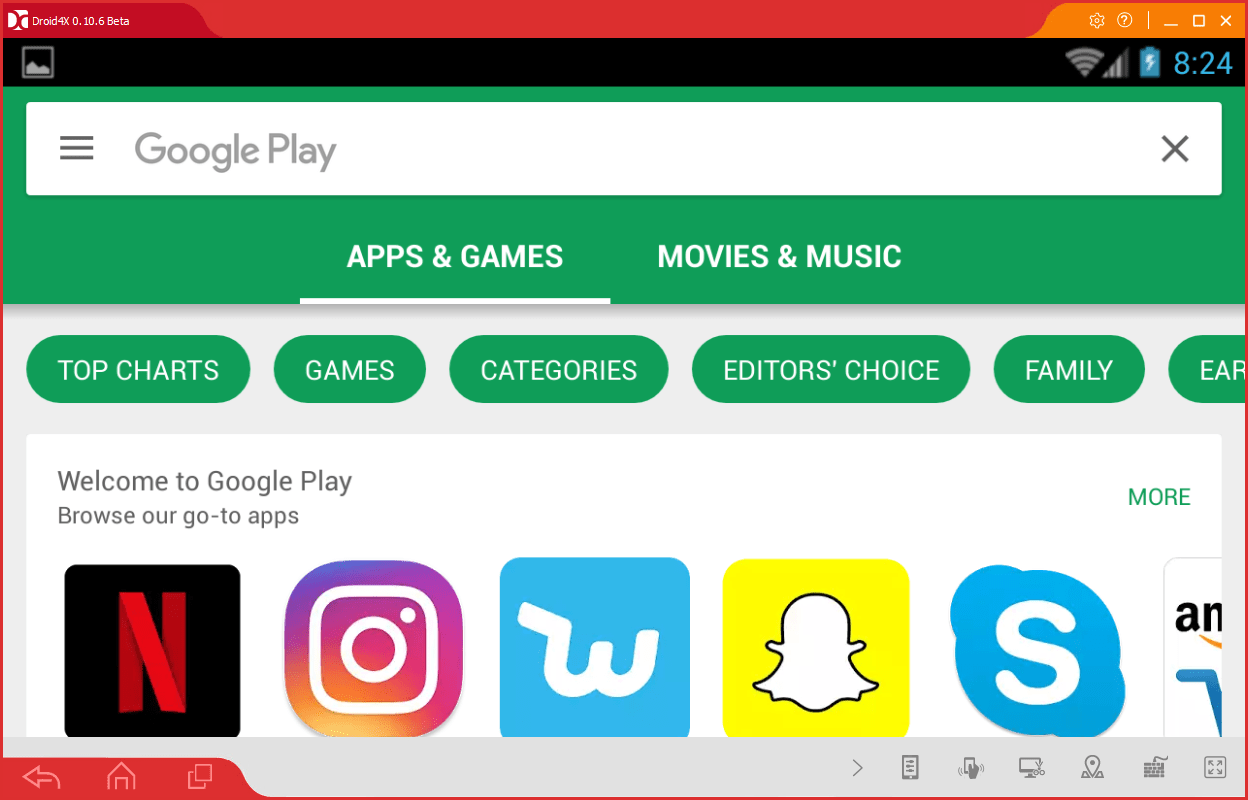
Droid4X is an Android emulator that's available for free on both Mac and PC. The emulator can run any app available from within the Google Play Store, or apps downloaded through third-party sources.
Optimized for Android gaming
While it can play all apps, the developers have clearly put a focus on making it work for Android games, and as a result, playing games on the emulator is smooth and stress-free. Performance is great, even on low-end computers. Most modern systems will have no issues running games through Droid4X without any lag.Custom touch-to-keyboard controls
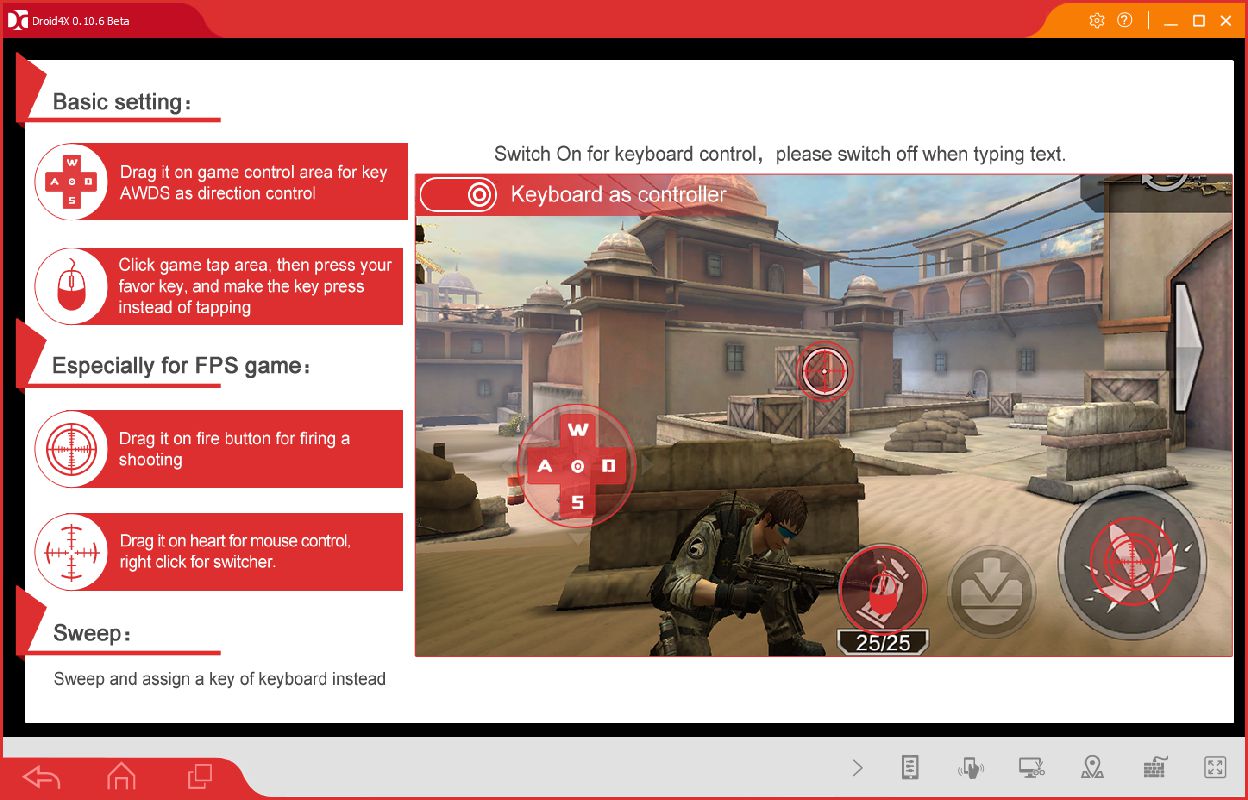
It also has a great keybind system that makes it easy to translate touch controls into different key presses. Essentially, when you open a game, you can open the keybind menu and then click on each on-screen button to assign it to a button on your keyboard. If there aren't any on-screen buttons, you can use your mouse to interact and scroll through apps.Navigating the simplified interface
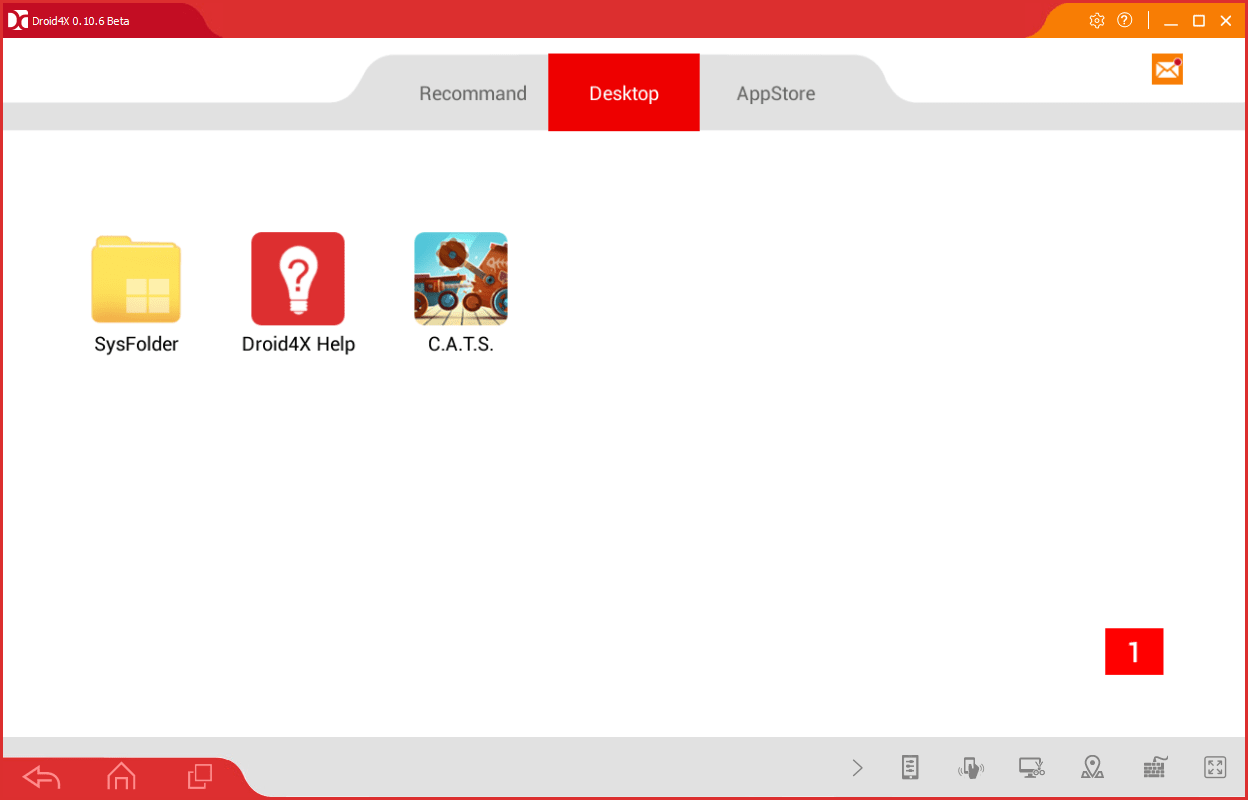
Droid4X has a very simplified version of Android running - you're given a desktop, which showcases your apps, and a button to take you to the Google Play Store. At the bottom of the Droid4X client are buttons for navigating the Android operating system, as well as buttons for setting up keybinds and going into fullscreen mode.Windowed versus fullscreen modes
Instead of going into fullscreen from the bottom menu, you can also adjust the screen size manually into windowed fullscreen mode. We found that most apps worked perfectly in this mode, but it had trouble displaying portrait apps. As a result, it's best to click the fullscreen button from the bottom menu when using these types of apps.